Working template, edited by your AI
Fullstack App website template
The full-stack app template is a customizable starting point with a built-in database, content and navigation. Use it as the foundation for a product site or app, then adapt the interface with your AI assistant and add supported site-scoped capabilities.
Updated
Free to start. Custom domains and collaboration depend on your plan.
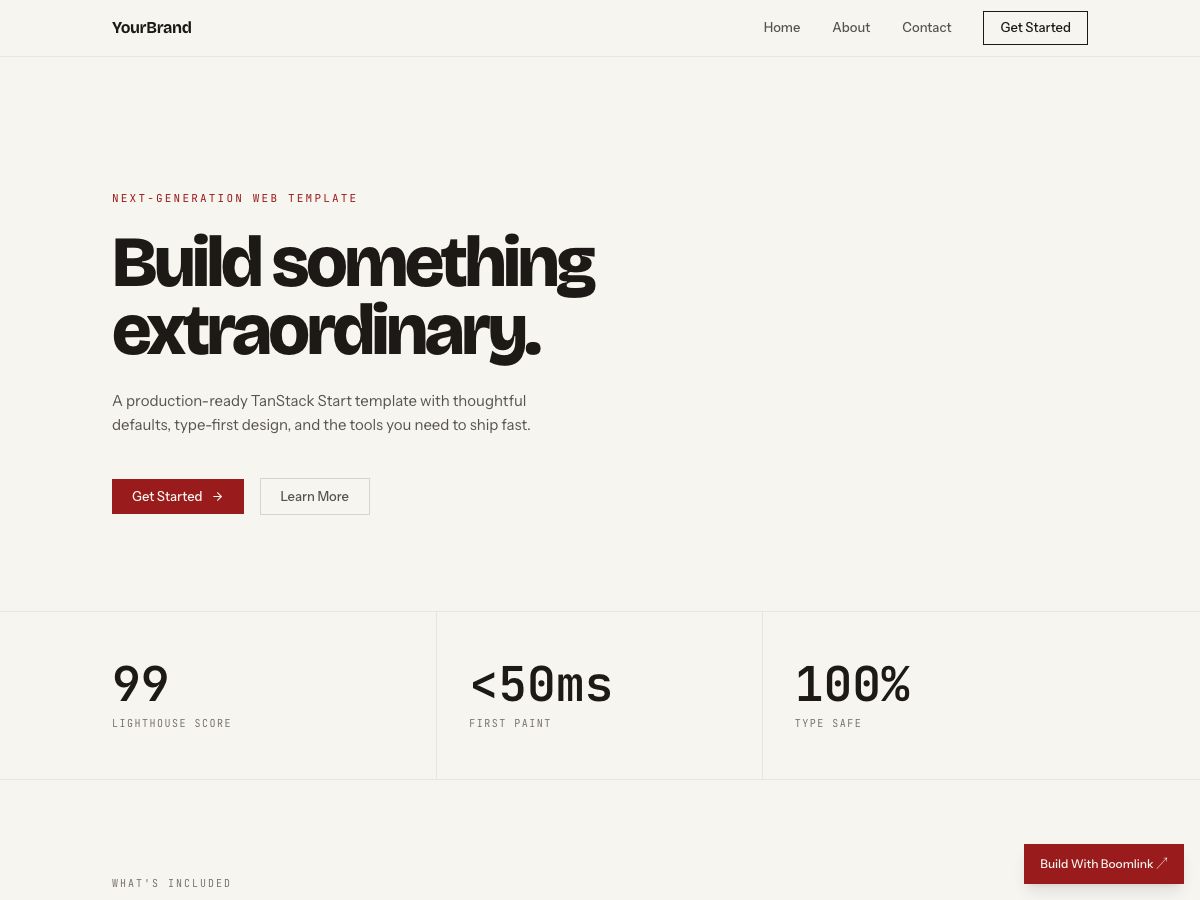
What you start with
Product teams that want an app foundation rather than a static mockup or a blank project.
- A full-stack starting point
- A database scoped to the site
- Content and navigation to adapt
- Preview and hosted publishing through Boomlink
What to check before launch
- A full-stack foundation is not a finished implementation of every product workflow.
- Authentication, permissions, payments and external integrations must be checked against your specific requirements.
- Review data access and exercise each intended workflow before sharing a production site.
An editing brief to make it yours
Connect Boomlink to ChatGPT or Claude, replace the bracketed details, then use this sample brief. It is an instruction to try, not a record of a completed customer build.
Start from the Boomlink full-stack app template for [product]. Adapt the navigation and content for [audience and workflow]. Keep the working foundation. List which parts of [requirements] are supported already and which need configuration or implementation. Do not present unfinished functionality as working. Show the preview and wait for approval before publishing.
Review the preview, test the relevant links and forms using non-sensitive test data, and publish only when the result matches your requirements.
Choose the next step
Start from the template, compare plan limits, or read the setup guide. The template selection is preserved through signup.